iOS 16 Reports Not Supported
iOS 16 no longer supports displaying screen time reports due to technology changes by Apple. Please update your device to iOS 17 (or higher) to re-enable reports. Apologies for the inconvenience.
How To Update To iOS 17 (or higher)
Open Apple Setting’s App
Press General

Press Software Update

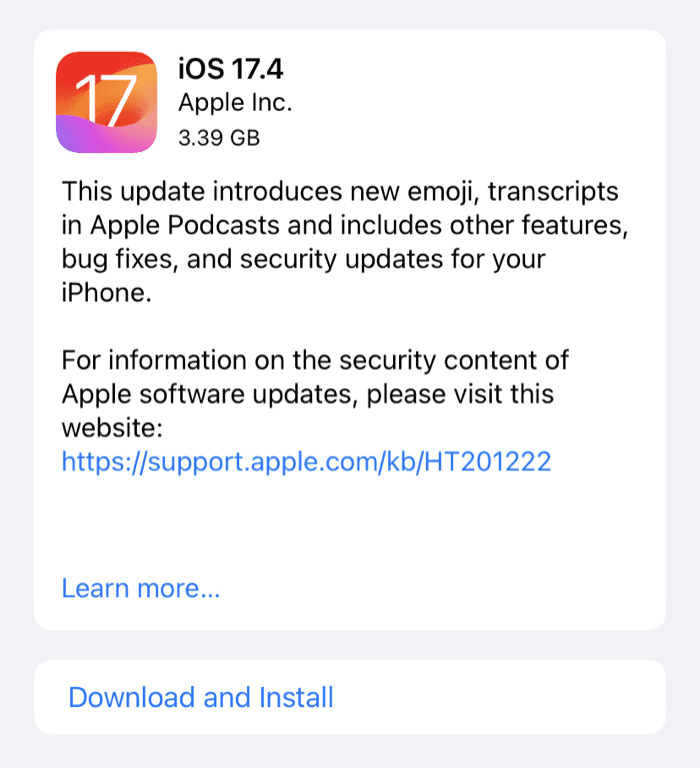
Press Download And Install
Why Did This Happen?
Every year Apple makes updates to iOS. When iOS 16 was updated to iOS 17 on September 18 2023, it broke backward compatibility with iOS 16. See this forum thread explaining the issue.
Refocus was able to delay this change, but we no longer can’t because:
There’s a new requirement by Apple to break this compatibility.
There’s another issue introduced in iOS 17.4 that further accelerates the timeline to make the change.
Again, apologies for the issue and please use the “Contact Us” button in the app for any questions 🙏