Can’t Log In on Mac?
Follow these steps to fix common login issues in Refocus for Mac.
Quick Checklist
Have an account already?
You need to create your Refocus account on iPhone or iPad first. (Mac doesn’t support account creation yet.)
Is your account linked to “Sign in with Apple”?
Open Refocus on your iPhone (or iPad).
Go to Settings (gear icon, top right).
Scroll down.
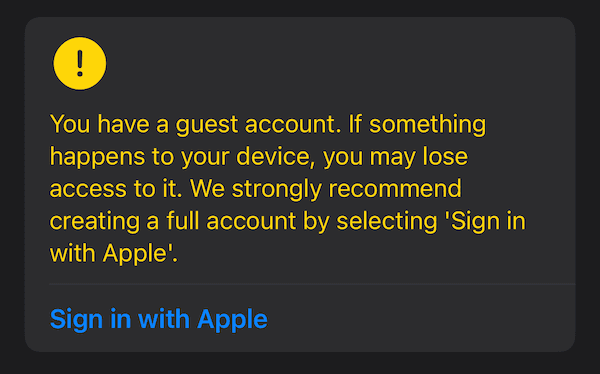
If you see the prompt below, tap Sign in with Apple.
If you don’t see it, you’re all set.
Signed into Apple on your Mac?
Make sure your Mac is logged into the same Apple account.
“Sign Up Not Completed” Error

If you see this error:
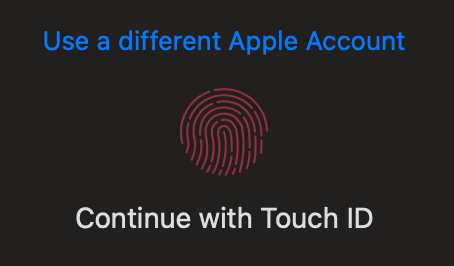
Go to the same Sign in with Apple screen.
Tap Use a different Apple Account.
Sign back in with the same Apple account. (You don’t need to switch accounts.)
Still Stuck?
On your iPhone (or iPad), open Refocus → Settings → Contact Us. We’ll help you directly.