Scan NFC Tag To Unblock
⚠️ UPDATE: on iOS 26 some unusual NFC tags like “credit cards” no longer work due to Apple restricting them for security reasons. Apple AirTag and regular NTAG215 continue to work. If you need help unblocking, please use the “Contact Us” button in Refocus app.
The Unblock Limit strict mode supports scanning an NFC tag as a requirement before unblocking. In other words, you can use a physical “key” as a way to enforce unblocking!
What is an NFC tag?
An NFC tag is a small chip that triggers actions when tapped, like the “tap to pay” feature on many credit cards. These tags come in various formats, such as AirTags, cards, key fobs, and stickers, and can cost as little as $1.00!
Where can I find NFC Tags?
You potentially have an NFC tag you can use right now!
Examples:
Apple AirTag
These tags (NTAG215) were tested and each costs only $0.89.
May no longer work starting iOS 26:
Your work badge (this may not work on iOS 26)
Your subway/bus card (this may not work on iOS 26)
Credit card (no longer supported in iOS 26 due to Apple restrictions, please use Contact Us button if you are experiencing issues unblocking)
How to use an NFC tag in Refocus?
Please ensure your iPhone is updated to iOS 17.4 and above.
Edit or create a new blocking session
Select to change a Strict Mode
Select “Unblock Limit”
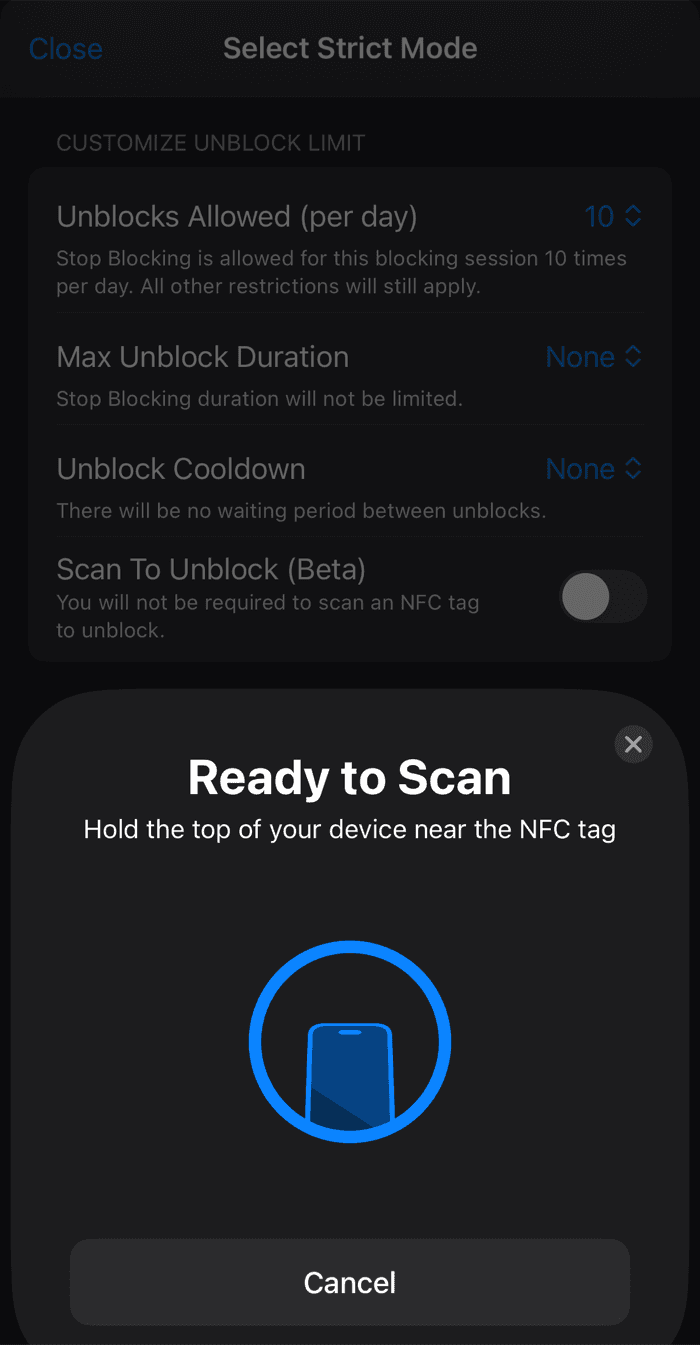
In “Extra Steps”, choose “Scan NFC Tag”
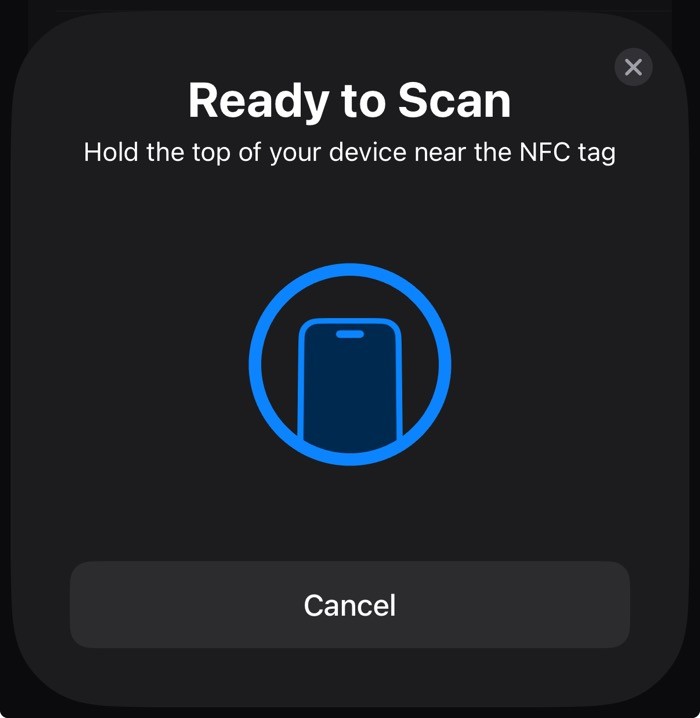
A “Ready To Scan” sheet will appear
Scan the NFC tag
Save the blocking session
Then, when you press to “Stop Blocking” the specific blocking session, on final confirmation you will have to re-scan the same NFC tag to unblock!