How To Safely Delete Refocus?
To avoid an issue where your apps remain blocked after deleting Refocus, you should ensure that all apps and websites are unblocked. This issue is an Apple Screen Time technology bug that sometimes happens.
If your apps were never blocked to begin with, please ignore this and continue with deleting Refocus as any other app.
⚠️ Refocus never limits your ability to delete apps unless you are a Refocus Pro user and enabled “Lockdown” ⚠️ See “How To Delete An App” for directions if you can’t delete apps.
How To Stop Blocking
Option 1: Press “Stop Blocking” in the Refocus home screen, and then press “Stop Blocking” at the bottom of the screen that pops up. Then, double-check that the apps are unblocked.

Option 2: You can also delete a blocking session by pressing on it and selecting “Delete”. Then, double-check that the apps are unblocked.
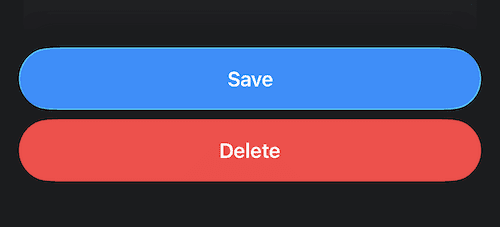
⚠️ If the above options don’t stop blocking, you have several other options:
Make sure Apple Screen Time, or another app, is not blocking your apps. Go to Apple “Settings” app, then press “Screen Time,” and then turn everything off there
If you have Refocus installed, press the gear icon in the top right corner (Refocus Settings), then press “Advanced Settings,” and then press “Fix App Blocking.”
If you don’t have Refocus installed, and you tried restarting the device, go to Apple “Settings” app, then press “Screen Time,” and then turn everything off there (on iOS 17, at the bottom of the screen, there’s a red button with a title “Turn Off App & Website Activity”). Restart the device again if needed.
If nothing above helps, please click here for directions on fixing blocking issues, and also click here for a checklist with even more directions.
Can I Delete Refocus Without Doing All This?
Probably yes, but Refocus warns about this just in case. The warning is for your benefit.
Alternatively, you can:
Delete Refocus
If you see a problem where your apps remain blocked, restart your device
Restarting “resets Apple Screen Time technology” which makes this rare issue go away.
Screen Time Passcode
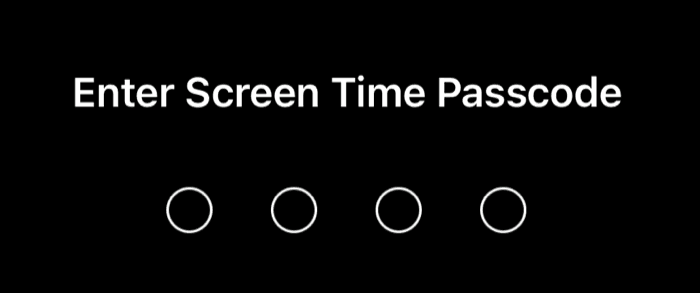
If you are asked to enter a passcode to delete Refocus:
Open “Settings” app
Press “Screen Time”
Press “Change Screen Time Passcode.”
Refocus does not control, set, or know your Screen Time passcode. That is entirely managed between you and Apple.
Alternatively, you can logout or delete the account, which should turn off Screen Time permissions.
How To Delete An App
Make sure the Refocus app is on the home screen because sometimes you can’t delete apps from certain locations in iOS.
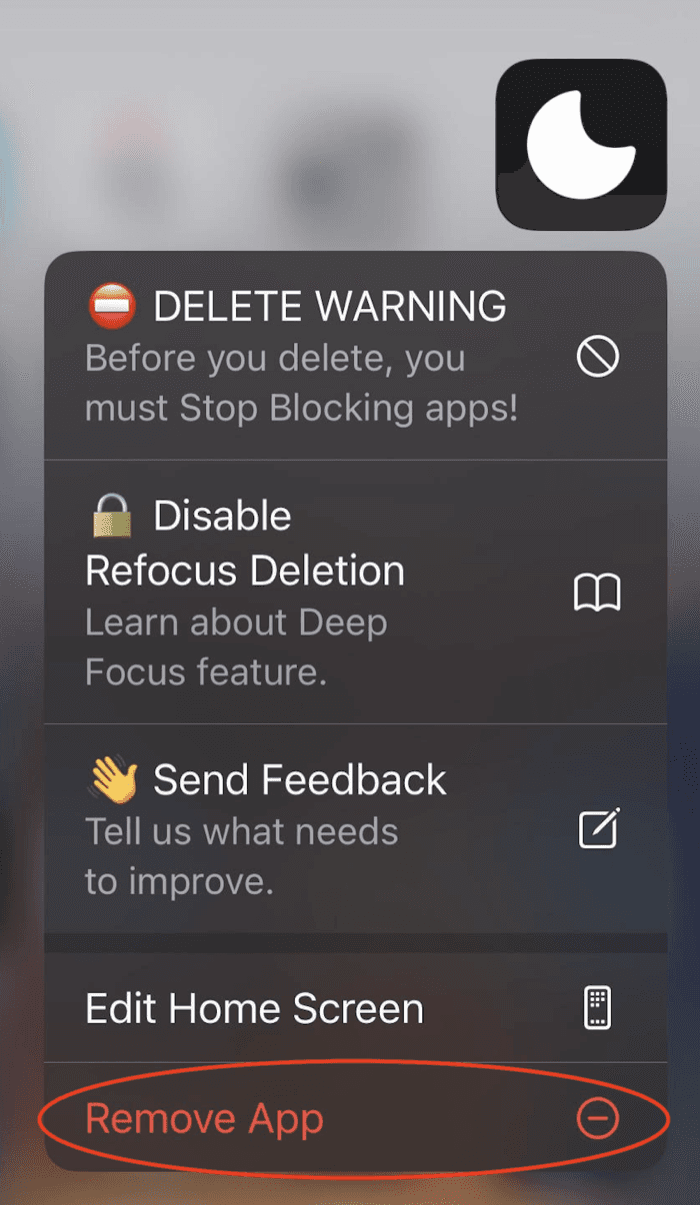
Press and hold on “Refocus” app to see the “Remove App” option
Press “Remove App”
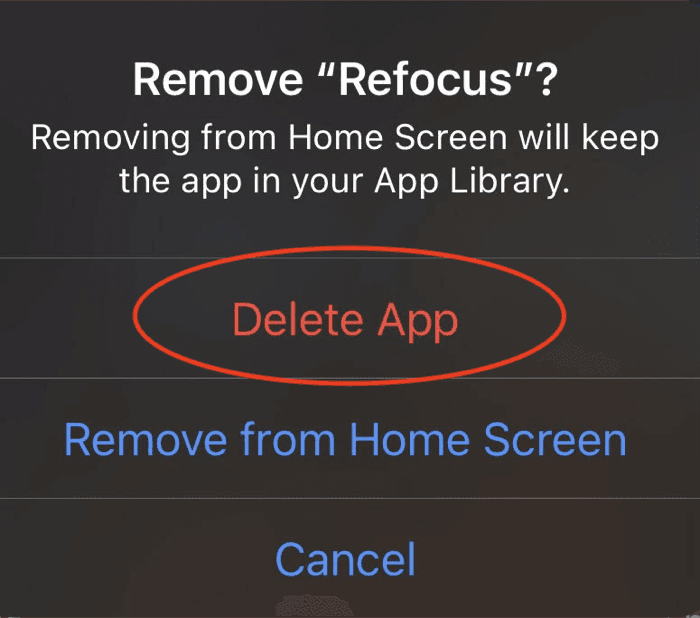
Press “Delete App” in the next alert that shows up
If You Don’t See A Delete Button
⚠️ Refocus never limits your ability to delete apps unless you are a Refocus Pro user and manually enabled “Lockdown” ⚠️
Directions to make sure you see a delete button:
Make sure Refocus app is on the home screen because from some parts of iOS you might not see a delete button.
Make sure you are not using another Screen Time application that is disabling the ability to delete apps.
Go to Apple “Settings” > Screen Time > scroll to where it says “Apps With Screen Time Access” > toggle everything OFF
Make sure your default Apple Screen Time restriction settings allow the ability to delete apps
Open Apple “Settings” > Screen Time > Content & Privacy Restrictions > iTunes & App Store Purchases > Deleting Apps > Allow
If you are a Refocus Pro user, make sure you don’t have an active “Lockdown” blocking session (this would only happen if you are subscribed to Refocus Pro, and specifically set up strict modes). If you don’t have an active “Lockdown” blocking session (or have Refocus Apple Screen Time permissions disabled), Refocus never limits your ability to delete apps.