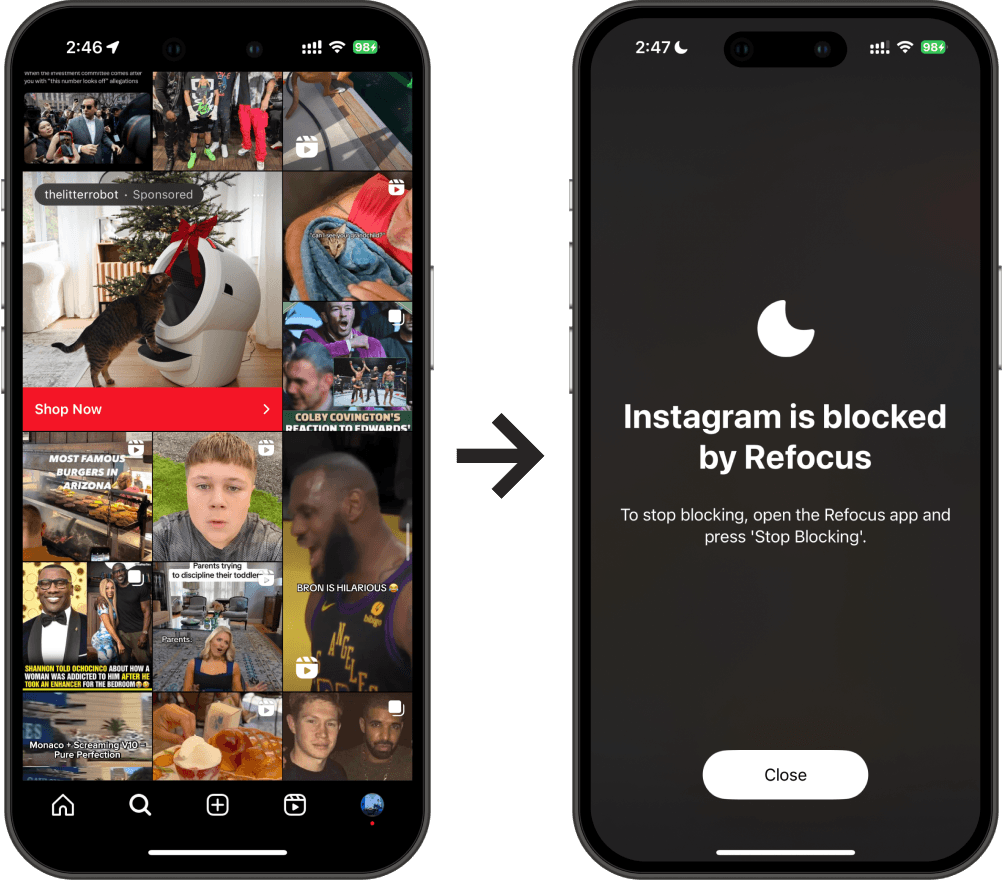
Best Apps To Limit Social Media on iPhone
What is the best app to limit social media for iPhone? Discover how to lock social media apps.
The top apps to limit social media use:
Refocus
ScreenZen
Jomo
Opal
ClearSpace
One Sec
#1 - Refocus
Refocus is the best app to limit social media usage for those who prioritize ease of use and powerful flexibility.
Pros:
Simple: within the first minute, you'll be set up to block social media in the most optimal way. Refocus will show you how to lock your social media apps.
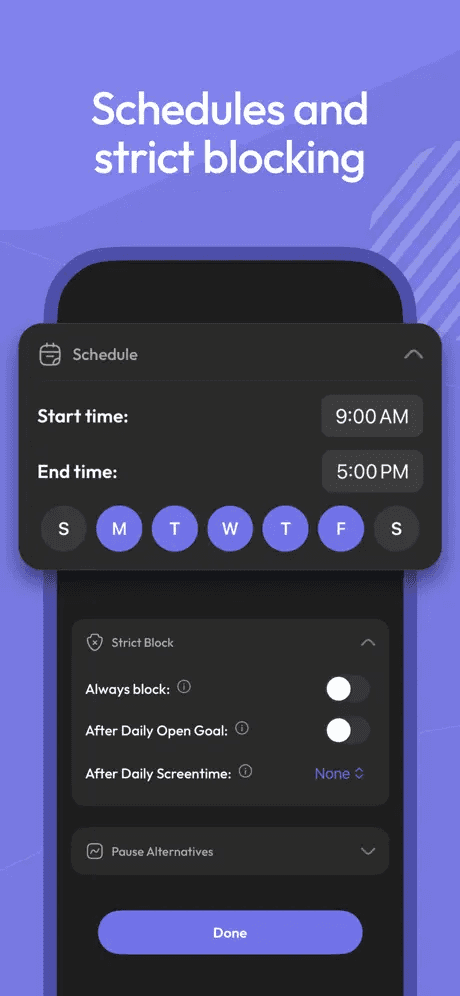
Flexible & Powerful: Refocus includes strict modes and other advanced options to customize your social media limits.
Quality: while Refocus doesn’t have a flashy design, it’s best-in-class for reliability.
Great free-tier: Refocus has one of the best free tiers.
Cons:
No gamification: Refocus focuses on simplicity and flexibility, so it lacks gamification features like pairing with a friend to track screen time or “unlocking apps after 1,000 steps.”

#2 - ScreenZen

ScreenZen stands out as the only limit social media app where nearly all features are free.
Pros:
More Free Features: nearly all of ScreenZen’s features are available for free, unlike many reduce social media apps that put some features behind a subscription. This is a major difference, earning it the #2 spot.
Customizability: ScreenZen offers a high level of customization.
Cons:
Quality: The design and user experience could be improved.
#3 - Jomo

Jomo is inexpensive, high-quality, and feature-rich.
Pros:
High Quality: Jomo is designed and engineered with exceptional attention to detail, standing out among limit social media apps.
Inexpensive: Jomo offers one of the most affordable subscription rates.
Cons:
Many Settings: Jomo’s many customization options may feel overwhelming for new users.

#4 - Opal

Opal is the most popular app to limit social media, offering a mix of features.
Pros:
Most Popular: Opal is the largest company in this category and has the highest number of users.
Design: Opal offers similar utility to Refocus but stands out with gamification and 'cute' design elements.
Cons:
Expensive: Opal is the most expensive option, costing up to 2–3 times more than other apps.

#5 - ClearSpace

ClearSpace’s laser focus on tracking "app opens" makes it ideal for users who prefer this specific approach.
Pros:
Best in Class for "App Opens": ClearSpace’s emphasis on "app opens" allows it to excel in this area. If this style of screen time control resonates with you, ClearSpace (along with One Sec) is a top choice.
Cons:
Limited Features: ClearSpace’s strong focus on app opens means it lacks some of the broader features found in other apps that lock social media apps.

#6 - One Sec

One Sec’s unique use of the Apple Shortcuts app makes it ideal for those who prefer this style of social media limits.
Pros:
Best in Class for Apple Shortcuts: One Sec leverages the Apple Shortcuts app to handle blocking, making it the top choice for fans of this approach.
Affordable: One Sec is among the least expensive limit social media apps available.
Cons:
Limited Flexibility: One Sec’s reliance on Apple Shortcuts can limit its functionality compared to other apps.
Time-Consuming Setup: Setting up Apple Shortcuts requires some initial time investment, but it’s a one-time setup.