Cold Turkey Mac App Alternatives to Block Websites
Cold Turkey vs. Refocus: What is the best website blocker for the Mac?
What Is The Best Cold Turkey Alternative?
The top alternative for Cold Turkey for Mac is Refocus.
Refocus for Mac

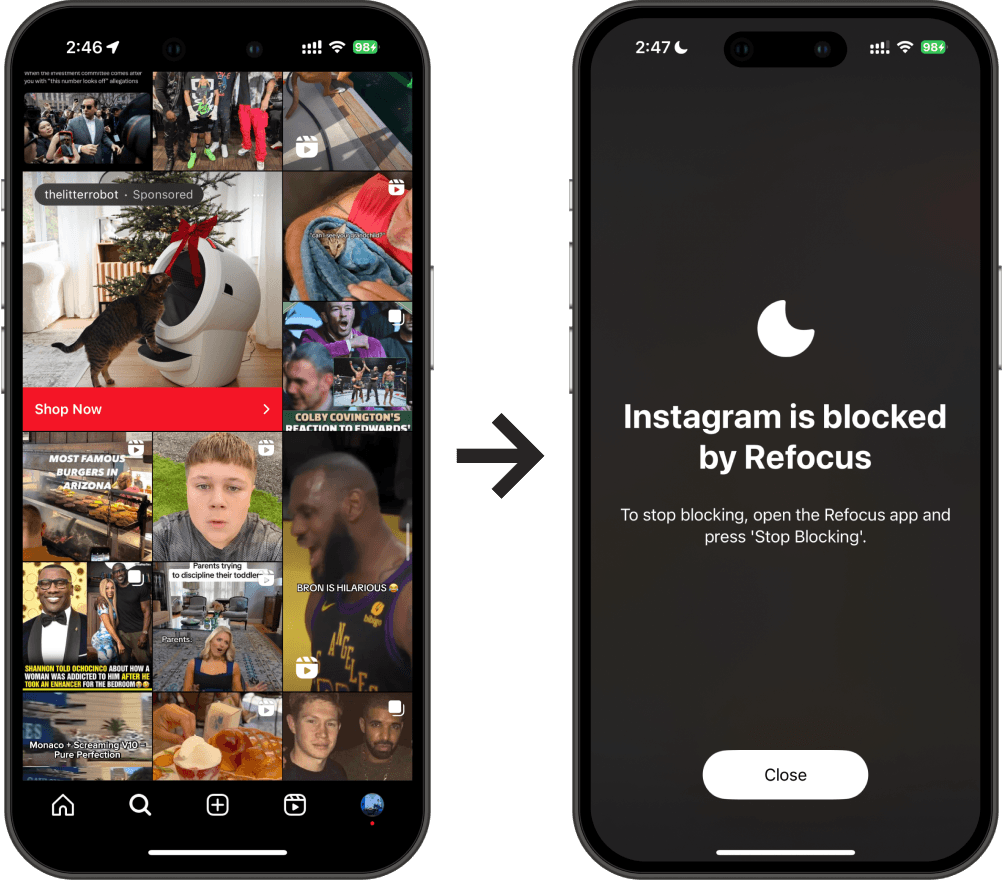
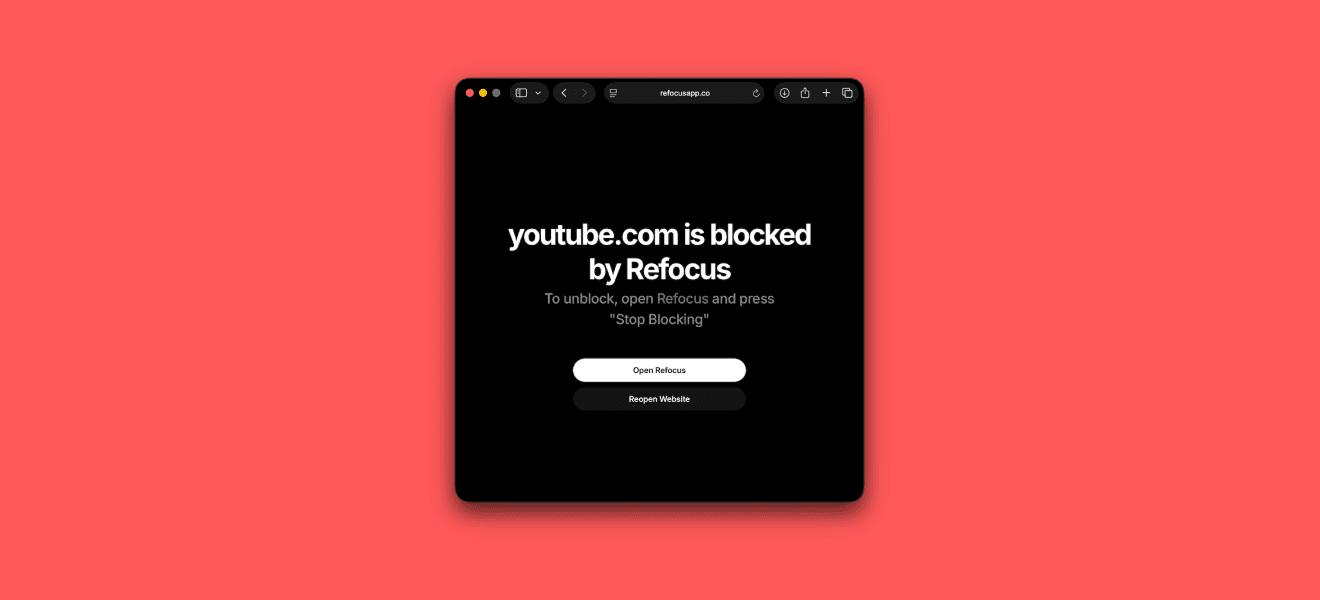
Refocus is the best website blocker for those who prioritize ease of use and powerful flexibility. It provides a comprehensive blocking solution on Mac without sacrificing simplicity.
Pros:
Simple: Refocus is extremely easy to set up – within the first minute, you can start blocking distracting sites and apps in an optimal way for productivity. Its intuitive design means no steep learning curve.
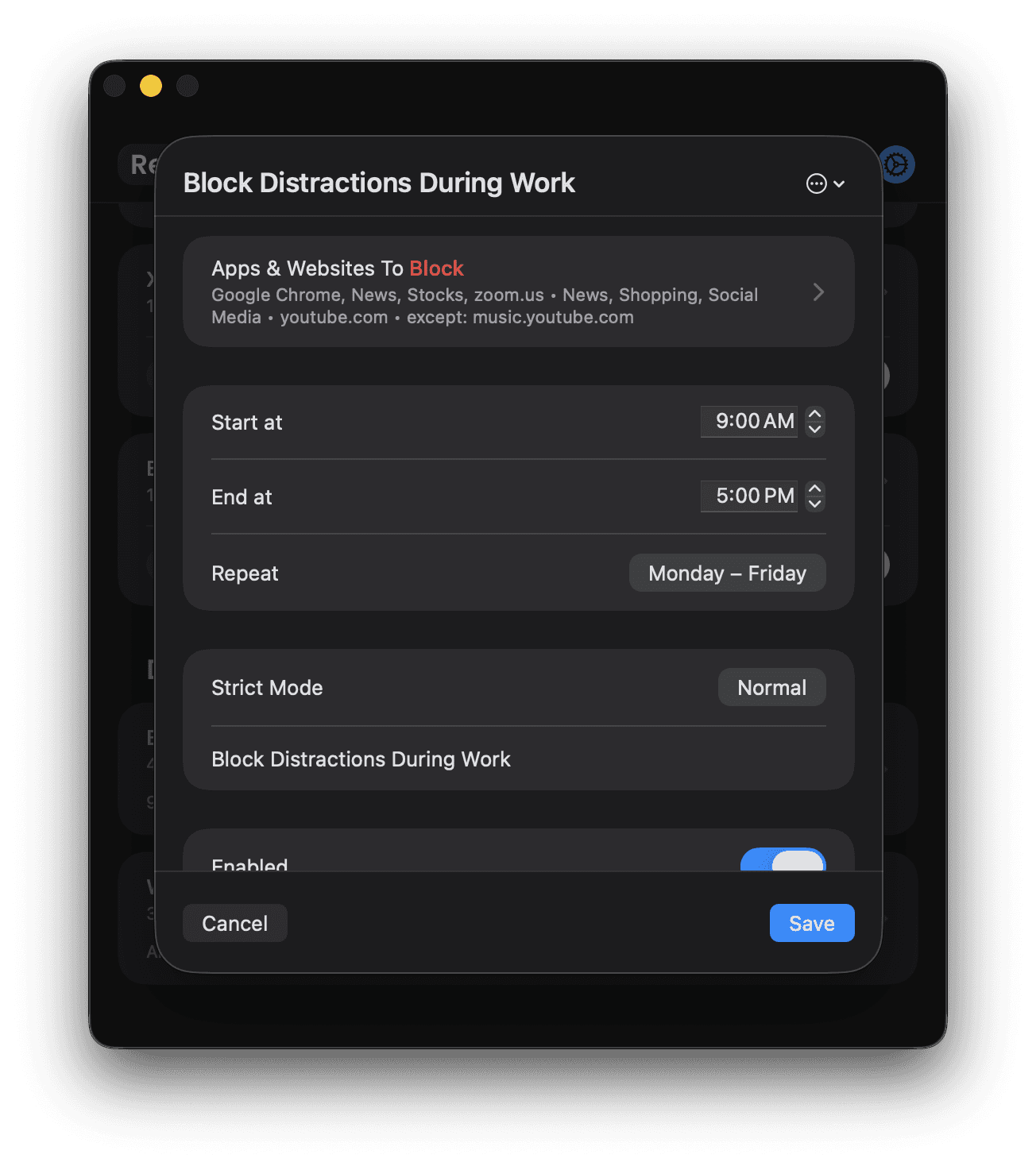
Flexible & Powerful: Refocus includes advanced customization options like Strict Mode (which prevents you from easily unblocking apps/websites) and other controls to tailor the blocking to your needs. You can block any app or site and even require tasks (like entering a passcode) to disable a block. iPhone & iPad supported also.
Quality & Reliability: While it doesn’t have a flashy interface, Refocus is rock-solid in reliability. It consistently blocks distractions as intended, making it a dependable choice day in and day out.
Cons:
No Gamification: Refocus opts for simplicity and flexibility over gimmicks. It lacks any gamified features (for example, you won’t find badges, “focus streaks,” or step-count challenges to unlock apps). If you enjoy motivational games or social accountability in your productivity apps, Refocus’s straightforward approach might feel too basic.
Requires Refocus Account: Currently, Refocus requires you to create an account first using the iPhone (or iPad) app. However, the apps are separate and you can use the Mac app without using an iPhone. Also, it requires Refocus Pro subscription, but it's much cheaper than 1 coffee per week! There's also a free 7-day trial.
Cold Turkey for Mac
Cold Turkey Blocker is a powerhouse website blocker for Mac (and Windows) known for its strict enforcement and rich features. It’s an ideal choice for those who need a very robust blocking solution and don’t mind paying a one-time fee for premium capabilities.
Pros:
Very Powerful: Cold Turkey lets you block almost anything that might distract you. You can block specific websites or entire domains, block applications on your Mac, or even block the entire internet for a period if you need total focus. Few other blockers go as far as Cold Turkey in cutting off distractions.
Hard to Cheat: This tool has a “lock” mechanism that makes it nearly impossible to circumvent a block session once it’s locked in. In fact, Cold Turkey prides itself on having “a dose of discipline, built in,” meaning other blockers might be easy to cheat, but Cold Turkey makes sure you can’t just quit or uninstall to bypass the block. If you try to tamper with it (like removing its browser extension during a locked block), it can even shut down your browser as a countermeasure.
Feature-Rich: Cold Turkey offers scheduling for recurring block sessions, the ability to configure multiple block lists (e.g. different sets of sites to block for work vs. leisure), temporary break allowances, and even a feature called “Frozen Turkey” that can lock you out of your entire computer or log you off for a set time. It’s a comprehensive set of tools for serious distraction elimination.
One-Time Purchase (Freemium Model): While Cold Turkey has a free version, unlocking its full power (scheduling, locking blocks with passwords, etc.) requires a one-time purchase of a license. The good news is this is not a subscription – pay once and you get lifetime access to Pro features on all your personal machines, along with free updates. This can be more economical over time than subscription-based alternatives.
Cons:
Free Version Limitations: Cold Turkey’s free tier, while useful for basic website blocking, lacks many of the handy features that make the app so powerful. For example, scheduling multiple block sessions or using the “lock” options are part of the paid upgrade. In short, to get the most out of Cold Turkey, you’ll likely need the paid version – the free edition might feel a bit limited if you have complex needs.
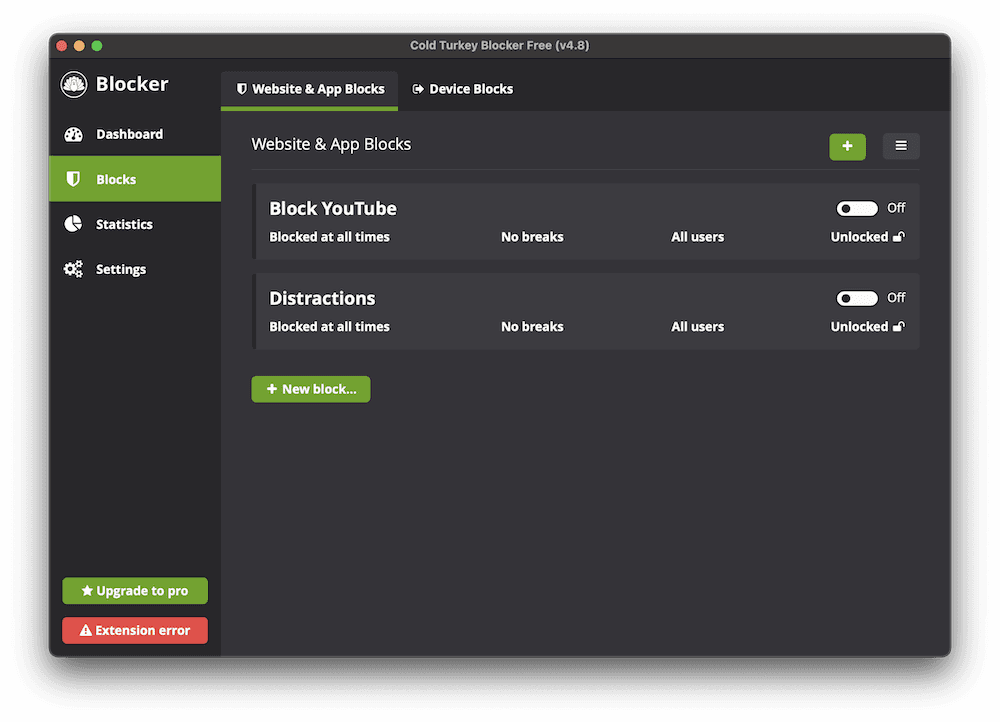
Summary of Cold Turkey vs. Refocus
Cold Turkey has a limited free tier for it's Mac app vs. Refocus requires a subscription from it's iPhone app (you get an iPhone, iPad and Mac app via the Refocus Pro subscription). There's a free 7-day trial so you can test it without paying.
Cold Turkey has website statistics vs. Refocus does not.
Similarly, Cold Turkey is an old app vs. Refocus for Mac is new and evolving. Cold Turkey is more mature, while Refocus is still evolving every day.
Otherwise, both apps provide app and website blocking. Arguably, Refocus has a better and easier-to-use interface.
Refocus also provides an iPhone app that works similarly to it's Mac app, so once you learn one, you can apply the same mental model to the other.