How To Block Porn on iPhone
A step-by-step guide to blocking adult content on iPhone using Apple Screen Time or a dedicated blocking app.

There are two options to block adult content on iPhone:
Option 1: Use the built-in Apple Screen Time feature
Option 2: Use an app designed to block apps and websites
Option 1: Apple Screen Time
Choose this option if you want to avoid getting a new application. However, you lose powerful features and flexibility.
Steps to block porn on iPhone using Apple Screen Time:
Open Apple "Settings" app
Select "Screen Time"
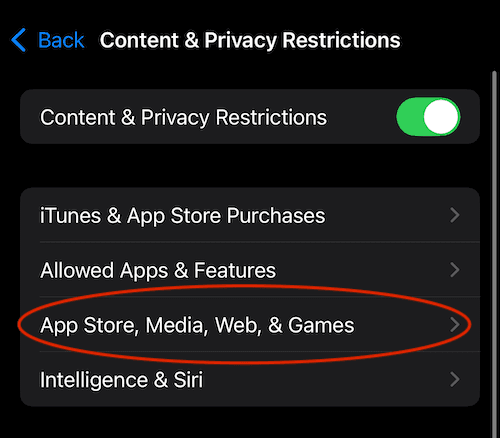
Select "Content & Privacy Restrictions"
Select "App Store, Media, Web, & Games"
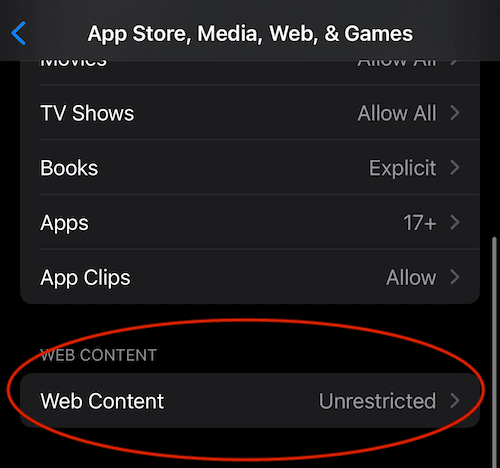
Select "Web Content"
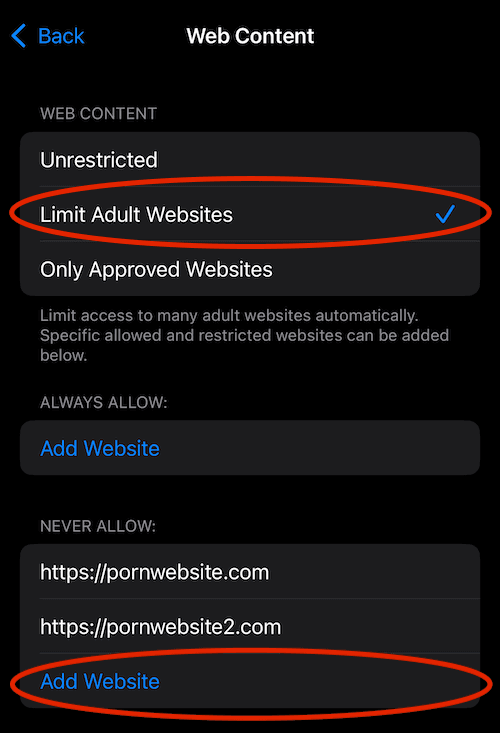
Select "Limit Adult Websites"
Optionally, add custom websites with the "Add Website" button
Tip: In the "Screen Time" settings you can "Lock Screen Time Settings" with a passcode to prevent yourself from changing the settings
Open Apple "Settings" App
Select "Screen Time"

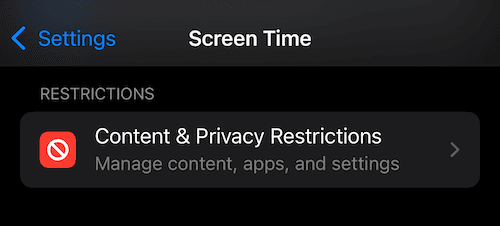
Select "Content & Privacy Restrictions"
Select "App Store, Media, Web & Games"
Select "Web Content"
Select "Limit Adult Content"
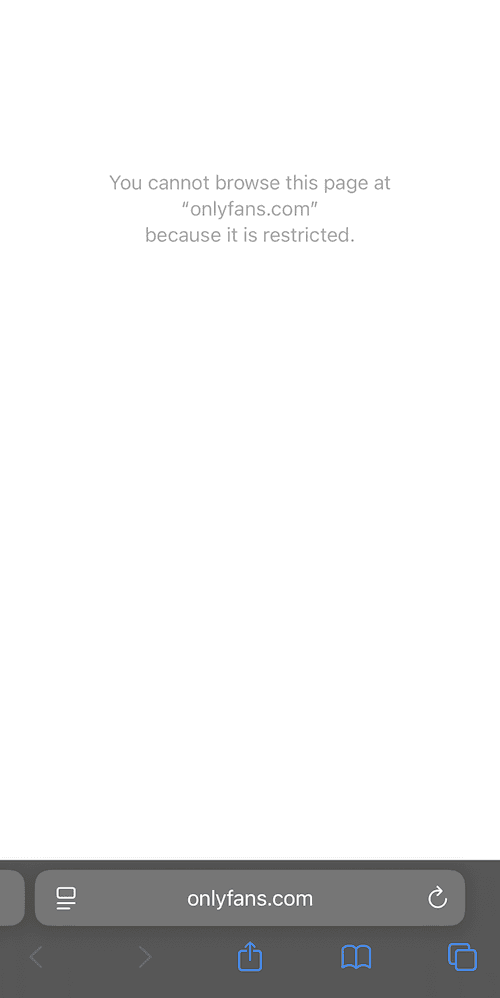
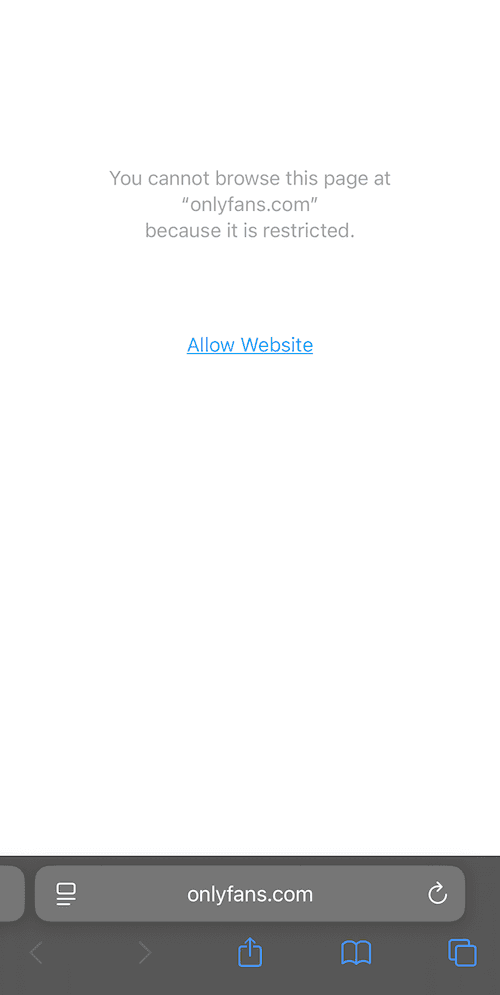
View The Blocked Adult Content Website
(note: the "Allow Website" button can be turned off by setting a passcode in "Screen Time" settings via "Lock Screen Time Settings" button; or you can use the Refocus app which does not show this button)
Option 2: Use an App
The best option to block adult content if you are willing to get another application.
Steps to block adult content on iPhone using a dedicated blocking app:
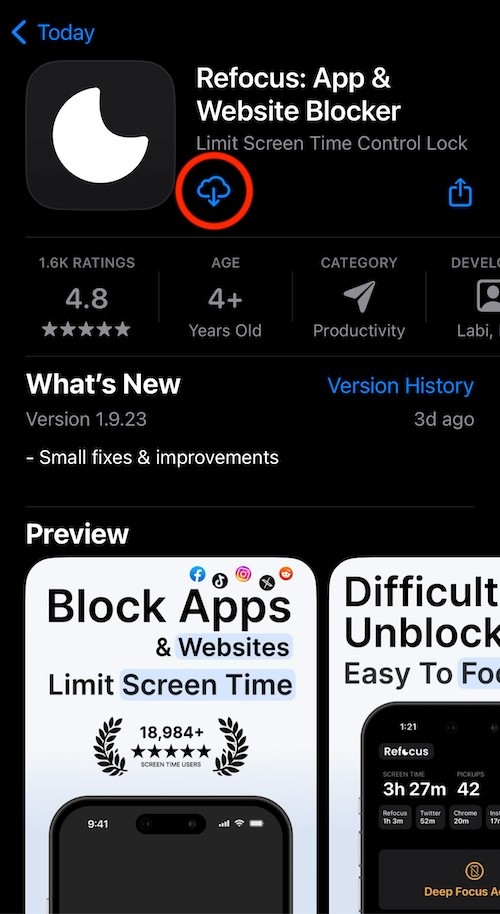
Search "Refocus" on App Store and get the app
Open "Refocus" app
Complete the onboarding steps. The onboarding will show you how to block apps!
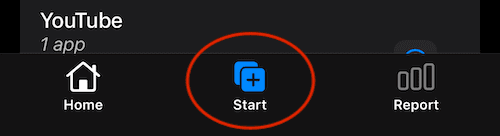
Select "Start" at the bottom
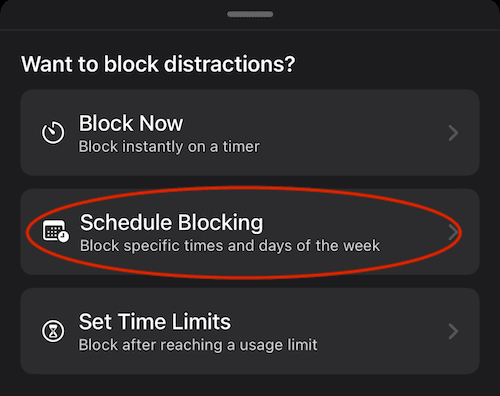
Select "Schedule Blocking"
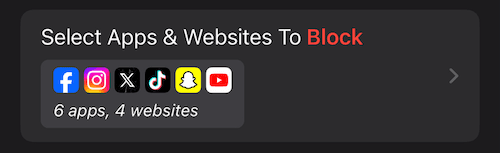
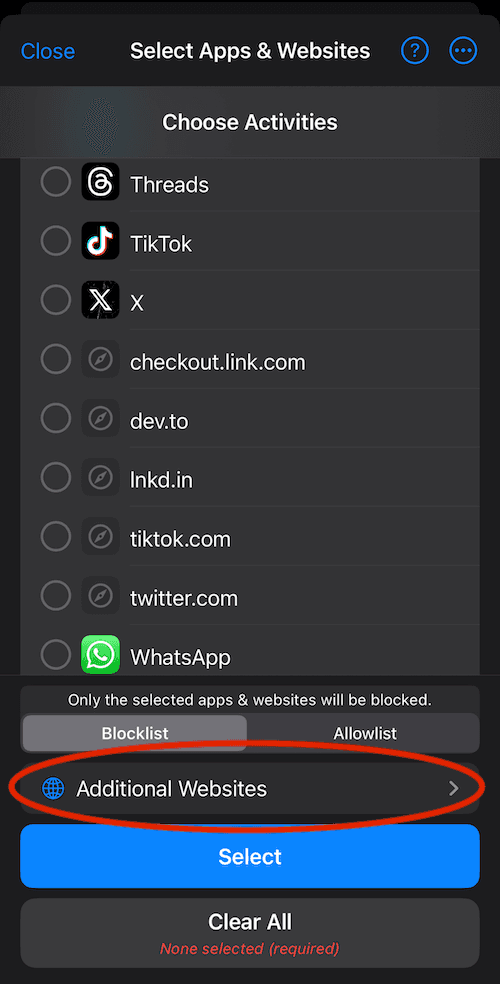
Press "Select Apps & Websites To Block"
Select "Additional Websites"
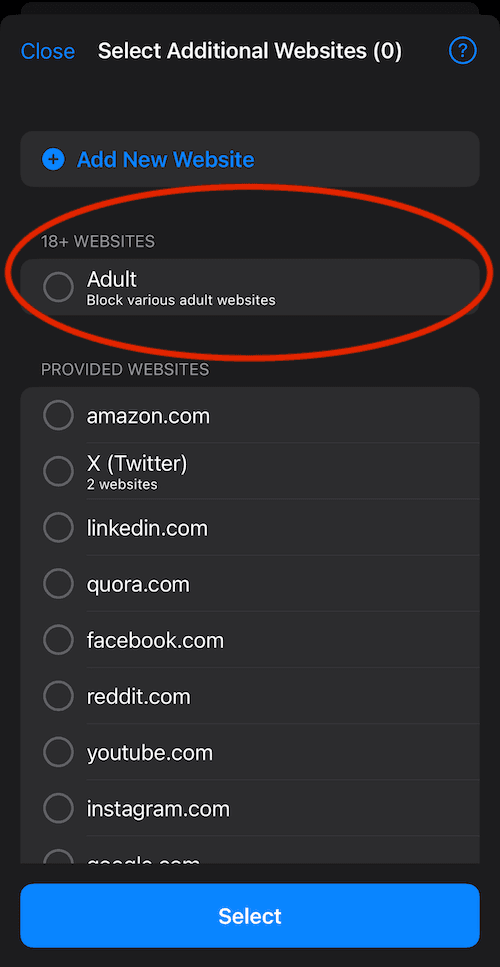
Select "Adult"
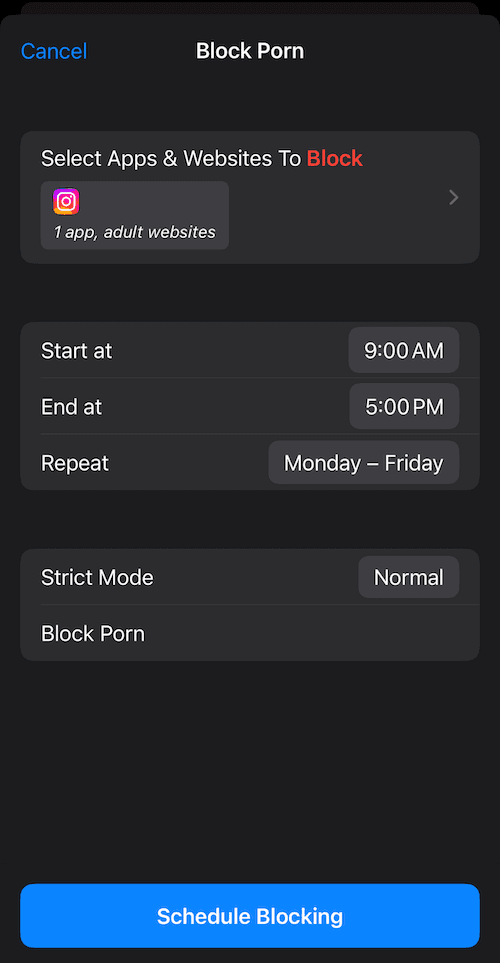
Choose The Times & Press "Schedule Blocking"
Get the App
Select "Start" At The Bottom Of The Screen
Select "Schedule Blocking"
Press "Select Apps & Websites To Block"
Select "Additional Websites"
Select "Adult"
Choose The Times & Press "Schedule Blocking"
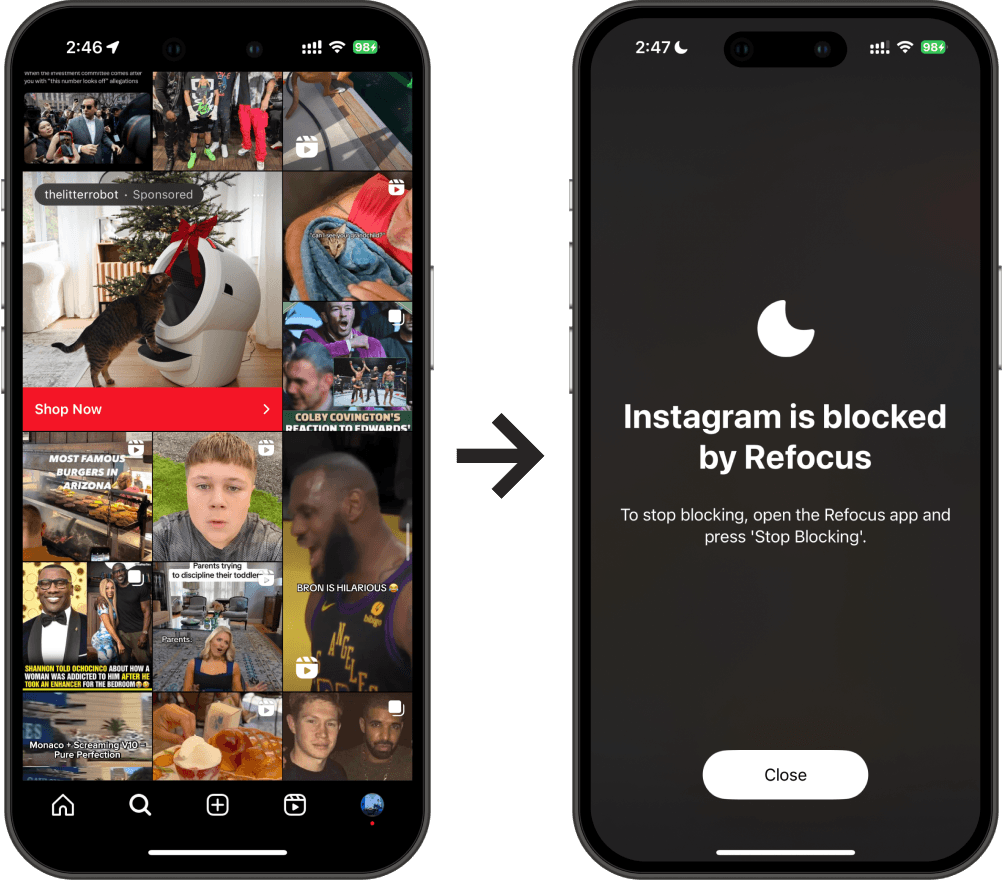
View The Blocked Website